



 Lyndsay Evans
Debuting My Credit Manager Program
 Gena Hillhouse
Discover My Credit Manager in Heritage Bank's app: track your credit score, get alerts, and upgrade for premium features like identity protection....
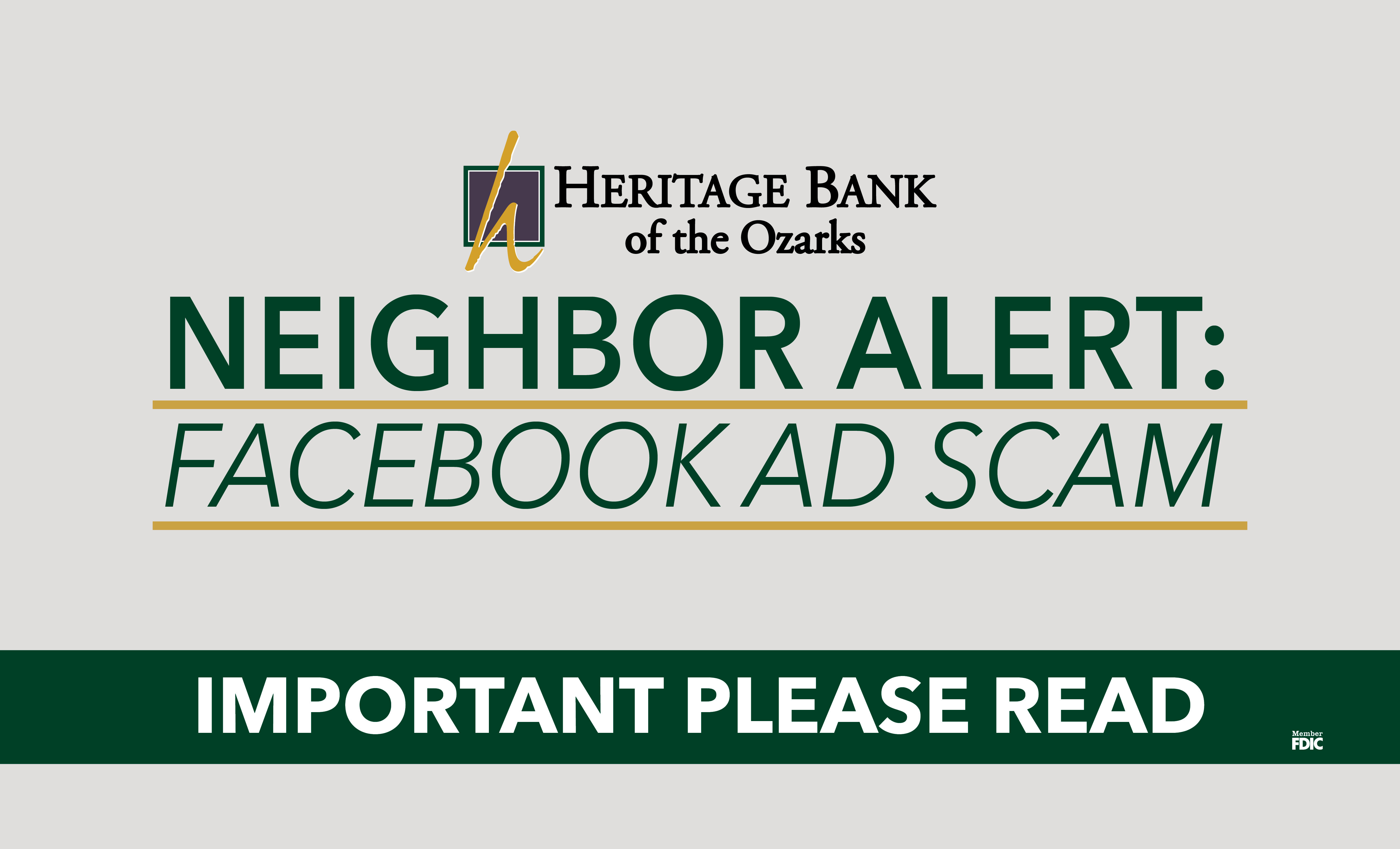
Scammers are getting smarter and, unfortunately, more aggressive.
Over the past few weeks, we’ve seen a growing number of customers targeted by a frightening new phone scam that often starts while browsing Facebook on a mobile web browser (not the Facebook app). It looks official, feels urgent, and is designed to panic people into acting quickly.
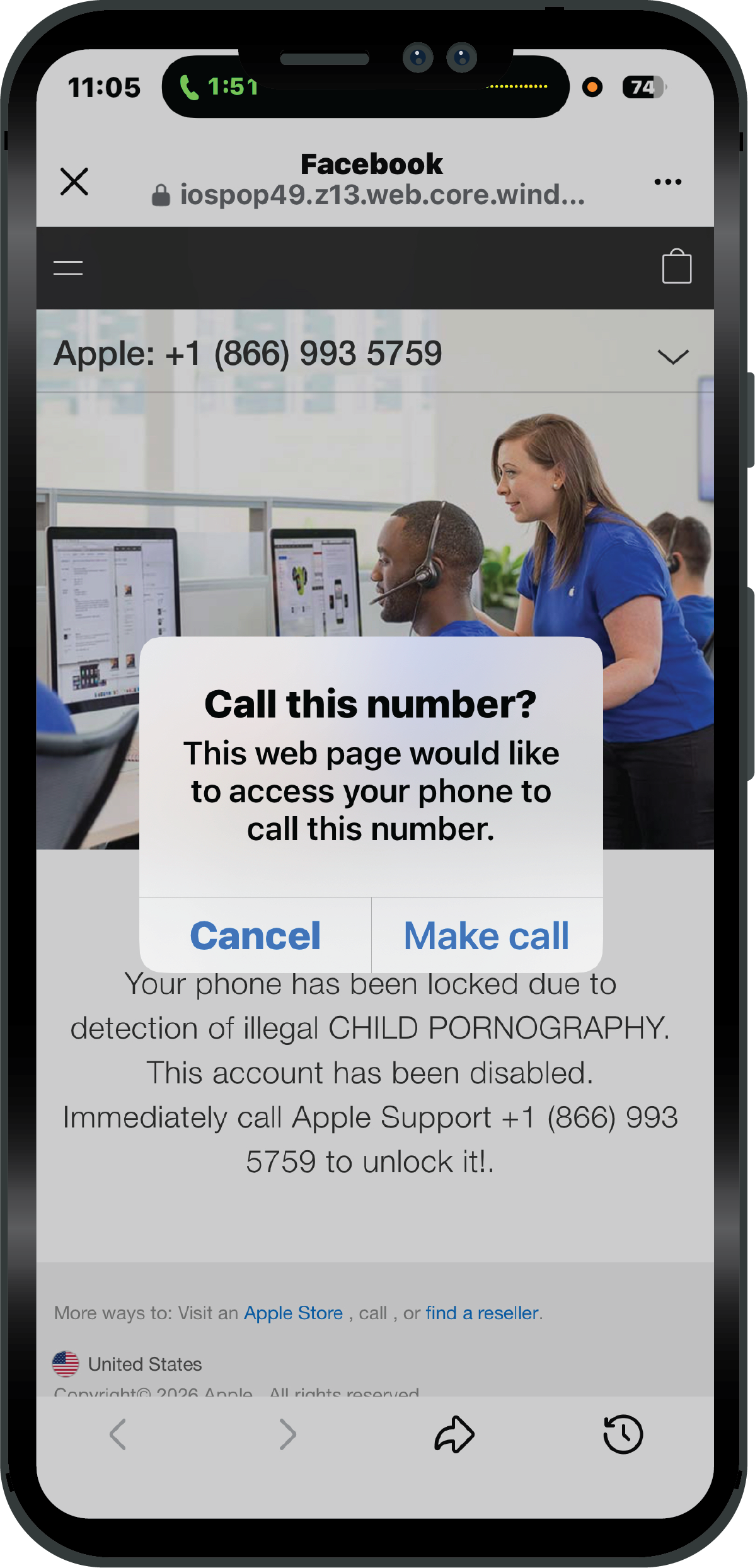
While scrolling online, a pop-up suddenly appears claiming:
“Your phone has been locked due to illegal activity.”
“Apple Support must be contacted immediately.”
The message often accuses the device of containing illegal material and provides a phone number that appears to be an Apple Support number.
It is NOT Apple.
When the customer calls:
• A scammer pretends to be Apple Support
• They use fear and threats involving police or legal action
• They pressure the customer to download a remote access app
• Once installed, the scammer takes control of the phone
• They access online banking, move money, or push for wires or gift cards
We’ve even had a case where a customer was pressured into coming into the bank to send a wire transfer.
Thankfully, we were able to stop it before money was lost, but many others across the country haven’t been so lucky.
Apple (or any legitimate company) will:
❌ Never lock your device through a web pop-up
❌ Never accuse you of illegal activity this way
❌ Never demand that you call a number immediately
❌ Never ask you to download remote access software
These scare tactics are a major red flag.
If a message appears saying your device is locked:
✅ Do NOT call the number
✅ Do NOT click anything on the page
✅ Close the browser completely
✅ Restart your phone if needed
If you’re unsure — ask a trusted family member or stop by your bank.
We’d much rather look at something that turns out to be nothing than see someone become a victim.
• Use the Facebook app instead of a web browser when possible
• Never trust pop-ups that create urgency or fear
• Don’t download apps unless you know exactly what they are
• Be cautious of anyone asking for immediate action involving money
• When in doubt — pause and ask for help
Scammers rely on panic. Taking a moment to stop can save thousands of dollars.
At Heritage Bank of the Ozarks, protecting our Neighbors is just as important as helping you manage your money.
If you ever receive a suspicious call, message, or pop-up:
Call us directly
Stop by your local branch
Ask before acting
Together, we can stop fraud before it starts.
LEBANON
(417) 532-2265
CAMDENTON
(573) 346-7765
PLATO
(417) 458-4222

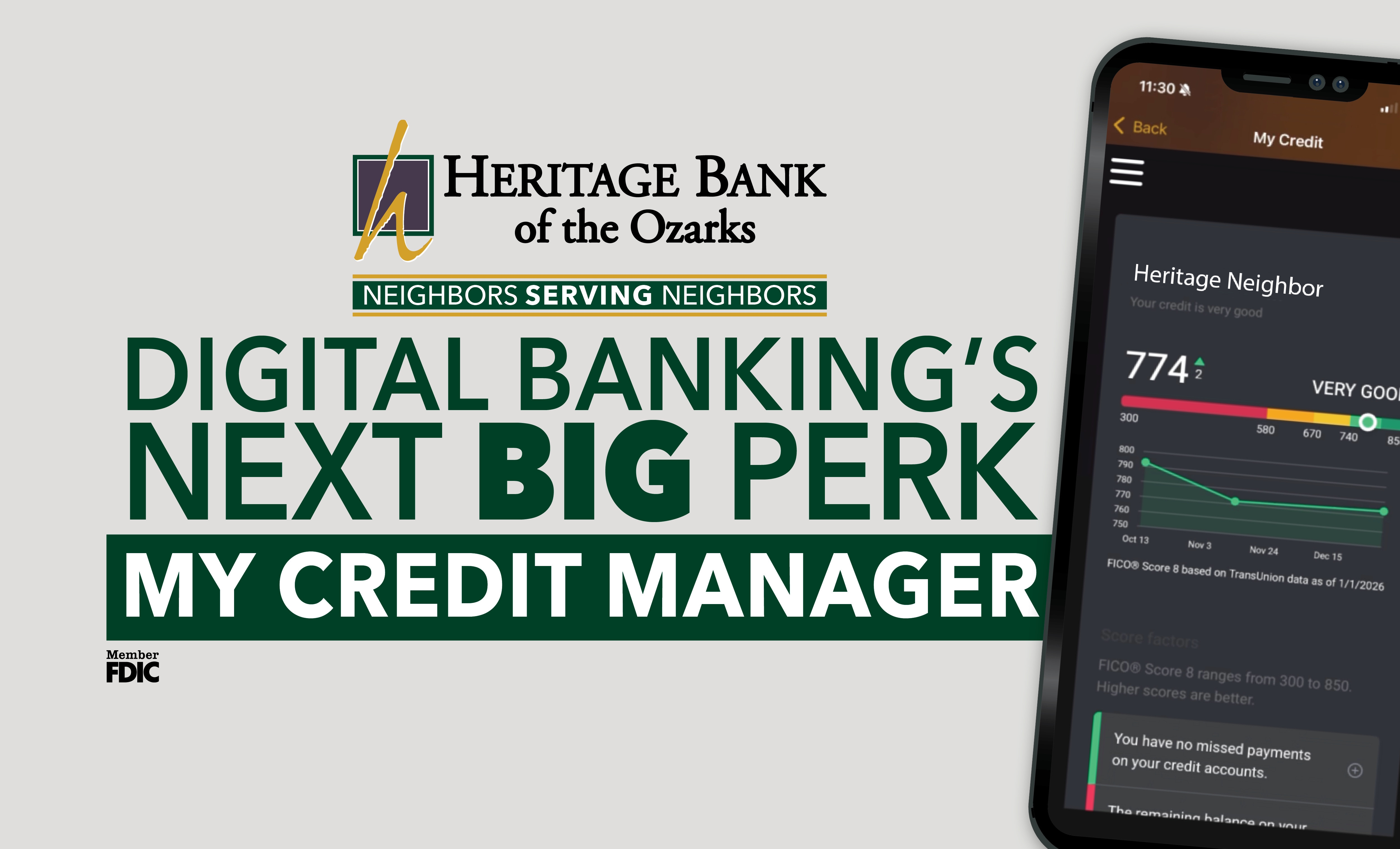
Discover My Credit Manager in Heritage Bank's app: track your credit score, get alerts, and upgrade for premium features like identity protection....

Discover why pennies are becoming scarce, how it affects your cash transactions, and what steps you can take to adapt in our community.
Learn about the top scams targeting seniors in 2026 and discover vital strategies to protect yourself from fraud. Stay informed and secure with...
 Crystal Wade
 Heritage Bank of the Ozarks