
Skip to the main content.

2 min read

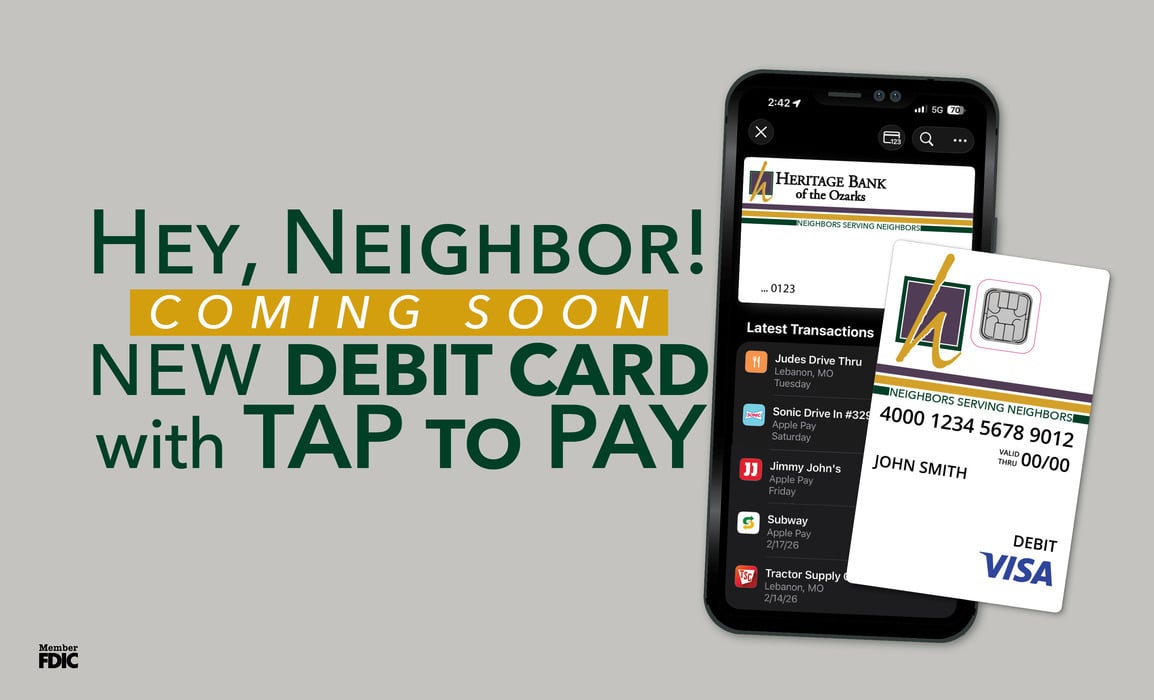
Your New Contactless Debit Card Is Coming April 27, 2026

Your New Contactless Debit Card Is Coming April 27, 2026

A New Era of Easy

Big changes are coming to your wallet — in the best way.

On April 27, 2026, all Heritage Bank of the Ozarks debit cards will transition to new contactless debit cards. This upgrade brings faster checkout, added security, and an even better digital wallet experience.

Here’s everything you need to know to make the transition smooth and simple.

Why We’re Making the Change

We are always looking for ways to make banking more convenient, secure, and modern for our Neighbors. This card upgrade allows you to:

Tap to Pay for faster checkout
• Enjoy enhanced fraud protection
• Add your card to your digital wallet for secure, card-free purchases
• Experience improved chip technology

This is more than just a new card. It is a better way to pay.

What to Expect (Step-by-Step)

1. Watch Your Mail

Your new debit card will arrive by mail in the weeks leading up to April 27, 2026.

It will replace your current Heritage Bank of the Ozarks debit card.

When it arrives:
• Open it promptly
Review the enclosed activation instructions
• Keep it in a safe place until activation day

2. Activation Day: April 27, 2026

On April 27, 2026, you will activate your new card and begin using it.

Important:
• Your current debit card will no longer work after this date.
• Be sure to have your new physical card with you on April 27.
• You can also add your new card to your digital wallet before activation day so you are ready to go.

What is a Digital Wallet?

With your new card, you can add it to your mobile wallet and pay directly from your phone or smartwatch.

Why we love digital wallets:
• Your card number is not shared with merchants.
• Transactions use advanced encryption.
• You can leave your physical wallet at home.
• Checkout is quick and seamless.
• It works for in-store, online, and in-app purchases.

If you already use your phone to check balances or deposit checks, adding your debit card to your digital wallet is the natural next step.

If you have never used a digital wallet before, this is the perfect time to start.

What is Tap to Pay?

You will notice a small contactless symbol on your new card. That symbol means you can simply tap your card at checkout instead of inserting or swiping.

How it works:
1. Look for the contactless symbol at the register.
2. Hold your card near the terminal.
3. Wait for confirmation.
4. You’re done.

No swiping. No inserting. No handing your card to someone else. It is fast, convenient, and is more secure than inserting your chip.

Automatic Payments & Recurring Transactions

One of the most important reminders for customers is updating recurring payments.

Because this is a new card, you will receive a new card number and expiration date. Any automatic payments tied to your old debit card will need to be updated.

This includes:
• Streaming services
• Gym memberships
• Subscription boxes
• Online retailers
• Utility drafts
• Insurance payments
• Any merchant where your debit card is saved on file

If you do not update these merchants, your payments may be declined once the old card is deactivated.

What You Should Do Now

✔ Watch your mail
✔ Open your new card as soon as it arrives
✔ Mark your calendar for April 27, 2026
✔ Add your new card to your digital wallet

 
You Might Also Like:
Help us Congratulate Kayla Burns

Help us Congratulate Kayla Burns

Assistant VP - Loan Department Operational Manager We are proud to announce the promotion of Kayla Burns to Assistant Vice President – Loan...

Read More
Help us Congratulate Jenny Bennett

Help us Congratulate Jenny Bennett

We are pleased to announce the promotion of Jenny Bennett to Assistant Vice President – Loan Specialist/Loan Officer. Jenny plays an essential role...

Read More